The Window and the Workshop
For a few weeks I was the clipboard between two AIs, so I moved all of my development work onto an always-on Mac mini and put the guardrails in the system instead of the prompt.
A practical companion to my earlier posts on the UX of AI, Permission Already Granted and Build the Box Later.
For a few weeks, my AI workflow had a bottleneck: me.
I’d plan something with Claude in one window, copy the result, paste it into Claude Code in another, wait, copy the answer back. On my phone it was even worse.
If you’re the clipboard between two AIs, the architecture is wrong. So I spent a Sunday fixing it.
The setup
I have a headless Mac mini called Guardian that’s always on, and now it does all of the development work. Claude Code runs there, signed in to my subscription, with one session per project, and my laptop and phone are just windows into those sessions. I can describe a change from the couch, close the laptop, and come back to a pull request with a link to a working version of the website or app with the change already in it that I can click through.
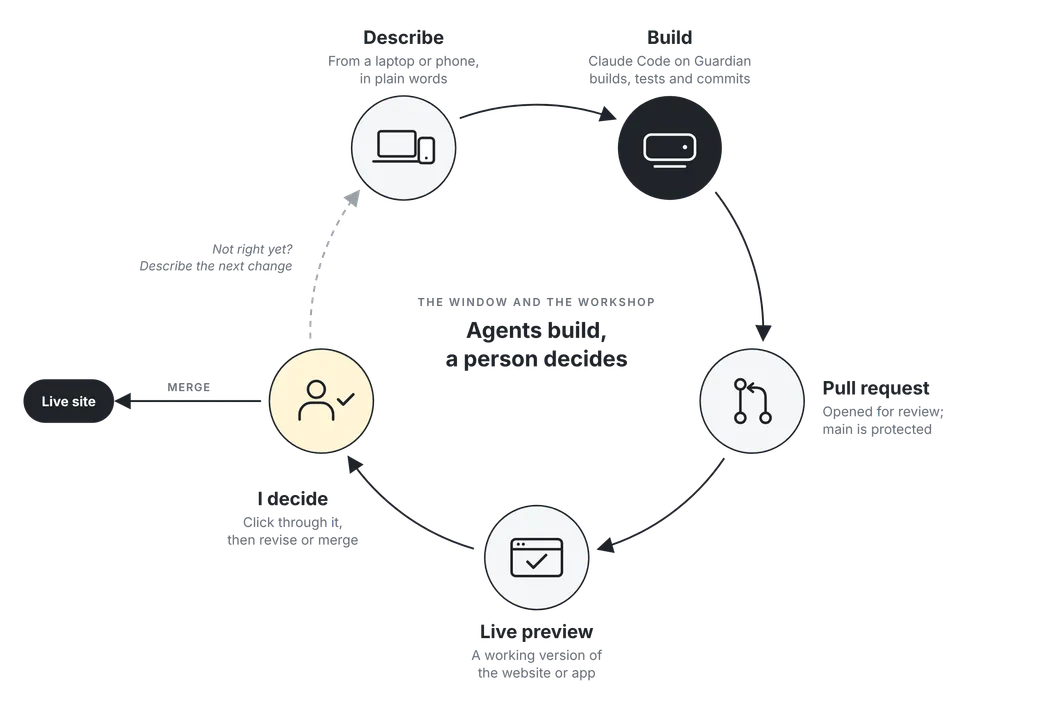
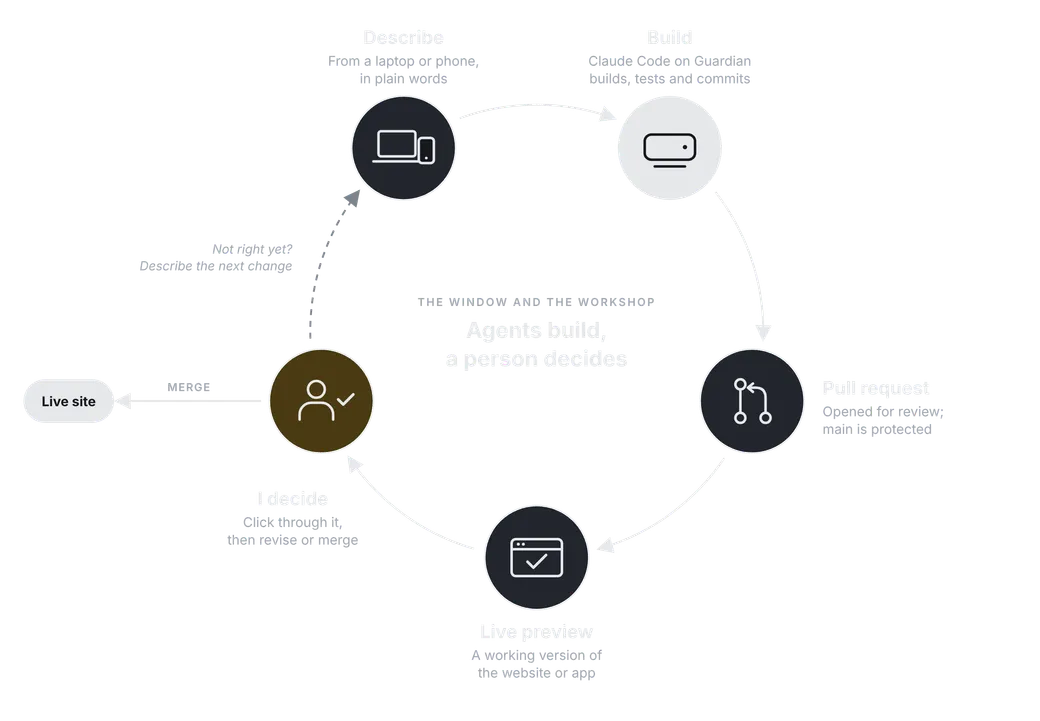
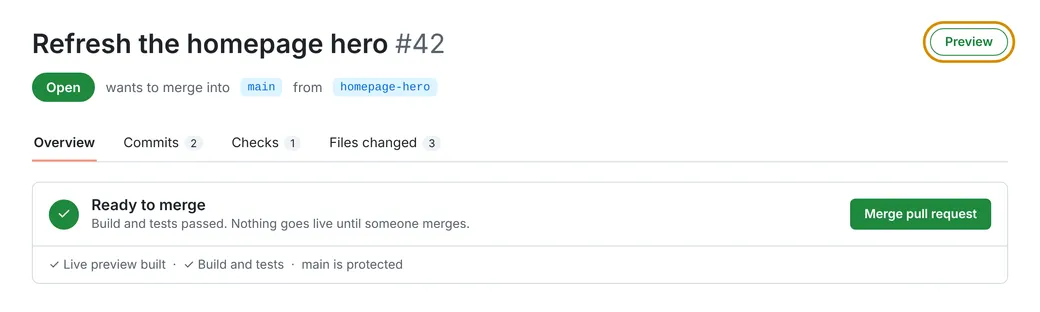
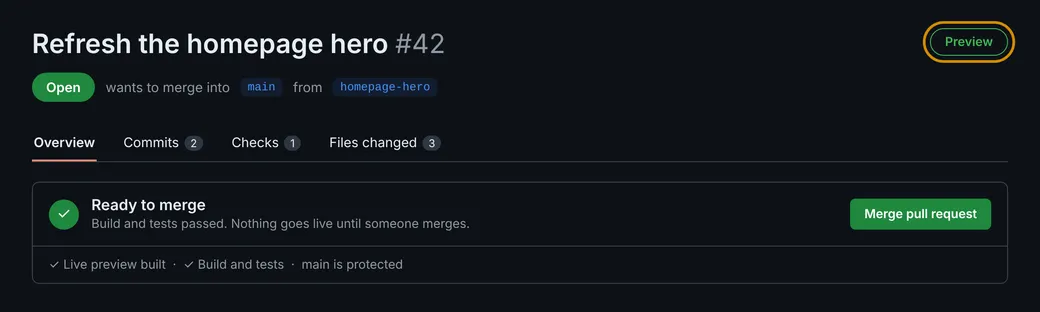
Nothing reaches production without me, because every change is a pull request, every pull request gets a preview, and I’m the one who merges.
What I learned
1. Separate the window from the workshop. Agents should run where the work lives, on a machine that’s always on and has the real files, tools and logins, while people steer from whatever device they happen to be holding. The moment I made that split, the friction disappeared.
2. Guardrails belong in the system, not the prompt. Every repo got a CLAUDE.md file with rules like “never push to main,” but those rules are really just guidance — what actually enforces them is GitHub’s branch protection. Because Claude pushes using my GitHub account, any protection that exempts admins exempts the agent as well, so I turned on “enforce for admins” on every repo. That means I can’t push to main either, which is exactly the point. When I tested the simple deny rules, they missed some of the ways a push to main can be written, so I added a hook that checks each command before it runs.
3. Review happens in layers, and mine is using the actual product. Automated checks and tests catch most code problems before I ever see a change, and on a team, engineers would still review the code itself. As a designer, the review I’m best at is clicking through the working website or app, since it comes down to whether something looks and works the way it should.
4. Verify everything, including the AI’s own reports. Simply checking things turned up problems nobody knew about. Preview deployments on my personal site had been silently off for weeks, every deploy was building twice in two separate projects, and a setting reported as “on” was actually off. Claude even caught its own skipped test after a preview failed and owned up to it, but most of the value came from the habit of reading things back.
5. If you’re the clipboard, rewire. Once the sessions on Guardian could do the work, I stopped relaying between two AIs. Development happens in those sessions, which sit in the same desktop app as my regular chat, one switch away. The copying crept back the first time I planned a new app in chat and had a Code session build it, because every question the session asked needed an answer only the chat had. The fix was moving the decisions into the repo, in a file the agent reads and keeps up to date, so now I plan and write the spec in chat, hand it off once, and everything after that happens in Code.
6. Instructions are layered, and they should shrink. There’s a global file for how I work, a file per project for its specifics, and hard rules the agent can’t override. Every rule exists because of a real mistake and says why, so it can be deleted when it’s no longer needed. A good instruction file should get shorter over time.
7. How an agent logs in is a design decision. At one point Claude Code showed “API Usage Billing” instead of my subscription. It turned out to be a locked keychain over SSH, not a stray key, but it was a good reminder that the login decides who pays and what the agent can reach.
If I did it again, I’d fix the connection first, since I spent weeks working around it, even moving a project to my laptop just to avoid pasting on my phone, when the real fix took an afternoon.
What I’d tell a design team
Start with the loop, not the tools — describe, preview, decide — and put the rules where they’re actually enforced. Check what the system says it did, and write down what you learn, because next month the tools will be different, and the playbook is what you’ll keep.
If you want to try it yourself, I’ve written up my full setup, with prompts you can copy, in My AI Development Workflow.